Hardware Performance
Real-World Benchmarks
Transparent performance data across devices and platforms. Our configurators are optimized to deliver consistent 60fps experiences from flagship desktops to mid-range mobile devices.
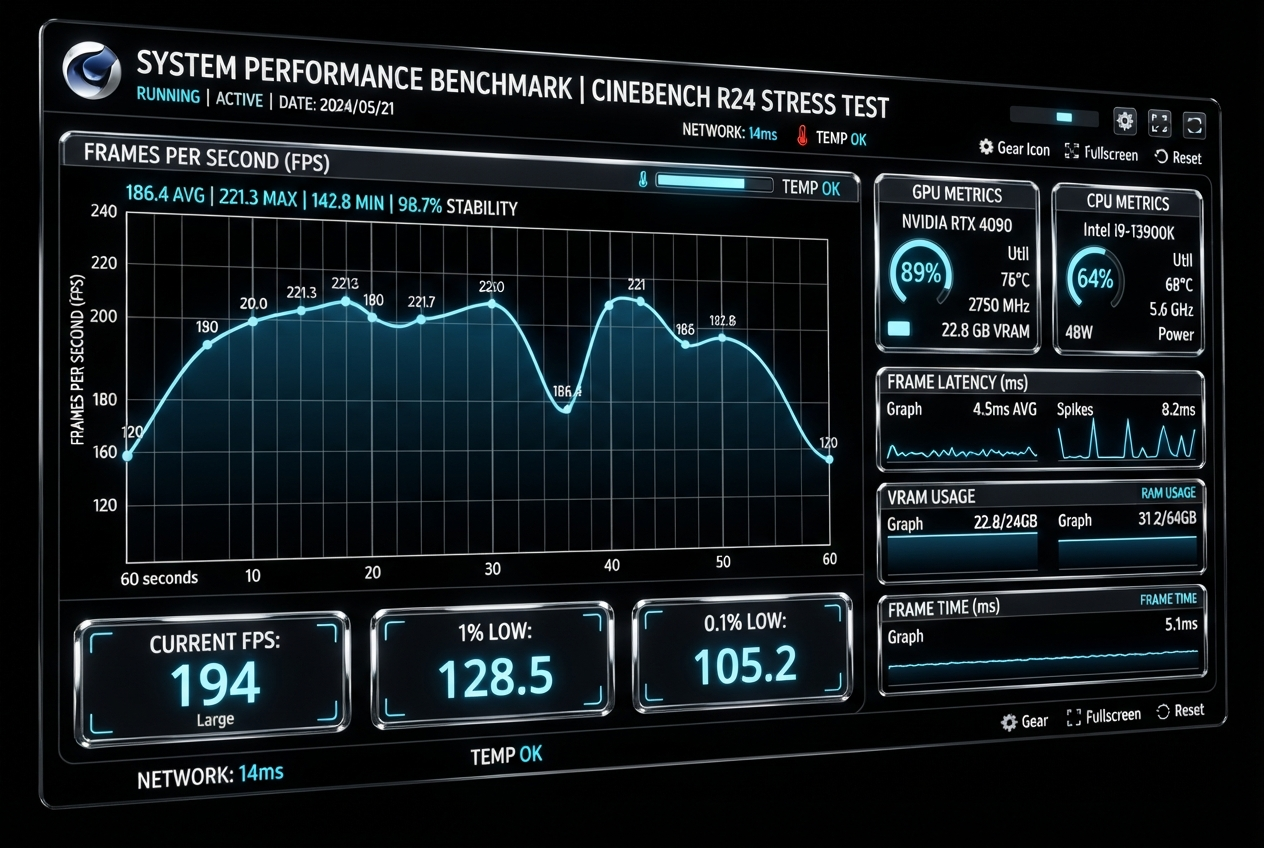
Frame Rate Performance
Average FPS measured across 10-minute interactive sessions with full configurator functionality enabled.
Desktop — High-End
RTX 4080 / i9-13900K / 32GB RAM
1% Low
58 fps
Draw Calls
142
Triangles
2.4M
VRAM
1.8 GB
Desktop — Mid-Range
GTX 1660 / i5-12400 / 16GB RAM
1% Low
56 fps
Draw Calls
142
Triangles
2.4M
VRAM
1.8 GB
Laptop — Performance
RTX 4060 Laptop / i7-13700H / 16GB
1% Low
52 fps
Draw Calls
128
Triangles
1.8M
VRAM
1.4 GB
Mobile — Flagship
iPhone 15 Pro / Snapdragon 8 Gen 3
1% Low
48 fps
Draw Calls
96
Triangles
800K
Memory
680 MB
Mobile — Mid-Range
Pixel 7a / Galaxy A54
1% Low
38 fps
Draw Calls
64
Triangles
400K
Memory
420 MB
Load Time Benchmarks
Time-to-interactive measurements from initial page load to full 3D scene rendering with user interaction enabled.
Desktop (Fiber)
1 Gbps connection
1.8s
Desktop (Broadband)
100 Mbps connection
2.4s
Mobile (5G)
200 Mbps connection
2.8s
Mobile (4G)
30 Mbps connection
4.2s
Mobile (3G)
5 Mbps connection
8.6s
Device Compatibility
Browser and device support matrix for our WebGL and WebGPU configurators.
| Browser / Platform | WebGL 2.0 | WebGPU | Status |
|---|---|---|---|
| Chrome 113+ (Desktop) | ✓ | ✓ | Full Support |
| Safari 17+ (macOS) | ✓ | ✓ | Full Support |
| Firefox 120+ (Desktop) | ✓ | — | Full Support |
| Edge 113+ (Desktop) | ✓ | ✓ | Full Support |
| Safari iOS 16+ | ✓ | — | Full Support |
| Chrome Android 113+ | ✓ | ✓ | Full Support |
| Samsung Internet 21+ | ✓ | — | Full Support |
Global Coverage: Our configurators support 95% of global web traffic across desktop and mobile platforms. Automatic fallback ensures graceful degradation on older devices.
Optimization Techniques
Instanced Rendering
Batch identical geometry into single draw calls, reducing CPU overhead by 80% for repeated elements like bolts and screws.
Frustum Culling
Skip rendering objects outside the camera view, saving 30-40% GPU processing on complex scenes.
Texture Atlasing
Combine multiple textures into single atlases, reducing state changes and improving cache coherence.
GPU Compression
ASTC/ETC2/BPTC texture compression for 4-6x smaller memory footprint without visible quality loss.
Lazy Material Init
Defer shader compilation until materials are visible, reducing initial load time by up to 40%.
Web Workers
Offload mesh processing and texture decoding to background threads, maintaining smooth 60fps UI.
Need Performance For Your Use Case?
Let's discuss your target devices and performance requirements to ensure an optimal experience.